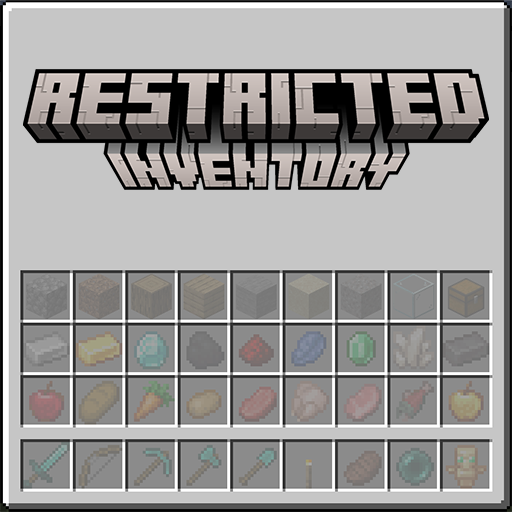
Getting started
RestrictedInventory assigns rules to the 36 slots in a player's hotbar and main inventory. Start with the in-game editor; use the JSON files when you need to version or distribute a setup.
Supported versions
Choose the RestrictedInventory release built for your exact Minecraft version and loader.
| Minecraft | RestrictedInventory | Java | Loaders | CoolerConfig |
|---|---|---|---|---|
| 1.20.1 | 20.1.10 | 17+ | Fabric, Forge | 20.1.3+ |
| 1.21.1 | 21.1.11 | 21+ | Fabric, NeoForge | 21.1.1+ |
| 26.1.2 | 26.1.2.8 | 25+ | Fabric, NeoForge | 26.1.2.29+ |
| 26.2 | 26.2.0.8 | 25+ | Fabric, NeoForge | 26.1.2.29+ |
| 26.3 | 26.3.0.0 | 25+ | Fabric, NeoForge | 26.3.0.0+ |
Fabric builds also require Fabric API. The minimum Fabric Loader versions are 0.16.10 for 1.20.1, 0.18.4 for 1.21.1, 0.18.6 for 26.1.2, 0.19.0 for 26.2, and 0.19.5 for 26.3. The Forge 1.20.1 build requires Forge 47.4.0 or newer; NeoForge minimums are 21.1.80, 26.1.2.75, 26.2.0.1-beta, and 26.3.0.1-beta for their matching branches.
Match both version and loader
Each Minecraft and loader combination has a different JAR. Minecraft 1.20.1 uses Forge; the newer non-Fabric builds use NeoForge.
Install
- Stop Minecraft or the server.
- Install the required loader and dependencies.
- Put the RestrictedInventory JAR in the instance's
modsfolder. - Start the game or server once to create the JSON configuration files.
For multiplayer, install the mod and its dependencies on both the server and every connecting client. The server decides whether rules are shared or player-owned.
Create your first rule
- Join a world and run
/restrictedinventory config. - Search for an item, or switch to the Tags tab.
- Click the item or tag you want.
- Left-click a slot in the inventory grid.
- Select Save.
The selected slot now shows a ghost preview. Items that do not satisfy the rule cannot be placed there through normal inventory actions.
Restricting hotbar slot 0 to  Torch looks like this in the inventory:
Find a slot number
Hold Tab while an inventory screen is open. With showSlotIndex enabled, the mod overlays the index on each player-inventory slot.
Choose the rule scope
The server's useClientRestriction value controls ownership:
false(default): one server-wide ruleset; only administrators can edit it.true: every player manages their own ruleset and can open the editor.
To hand different rules to different players without giving each of them an editor, turn on useTeamAndTagRestrictions and target them by their scoreboard team or entity tags. See teams and tags.
Continue with the config screen or go directly to the configuration reference.