How restrictions work
RestrictedInventory checks rules at the points where Minecraft normally validates placement and adds picked-up items.
Manual placement
When a player tries to place a stack into a restricted slot, the item must match the configured item or tag. If the rule contains a component or NBT filter, that variant data must match as well.
A rule pointing at a restriction group matches when any single entry in that group does.
Pickups and automatic routing
Picked-up items try their eligible restricted slots first. If no matching restricted slot has room, Minecraft falls back to unrestricted inventory slots. A restriction therefore reserves a destination without preventing the player from collecting that item elsewhere when the reserved slot is full.
Visual feedback
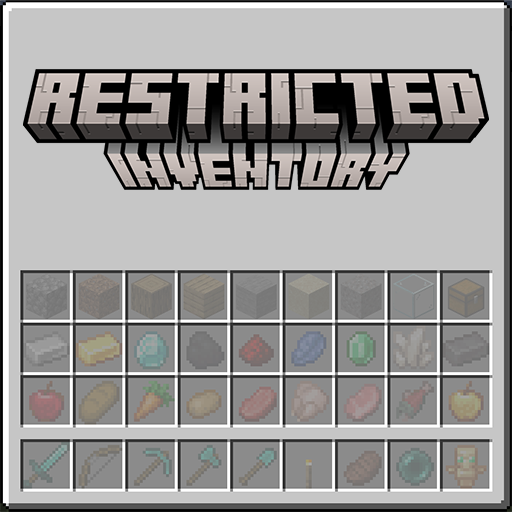
Empty restricted slots render a dimmed ghost preview. Tag rules and group rules cycle through their members so the player can see examples of valid items.
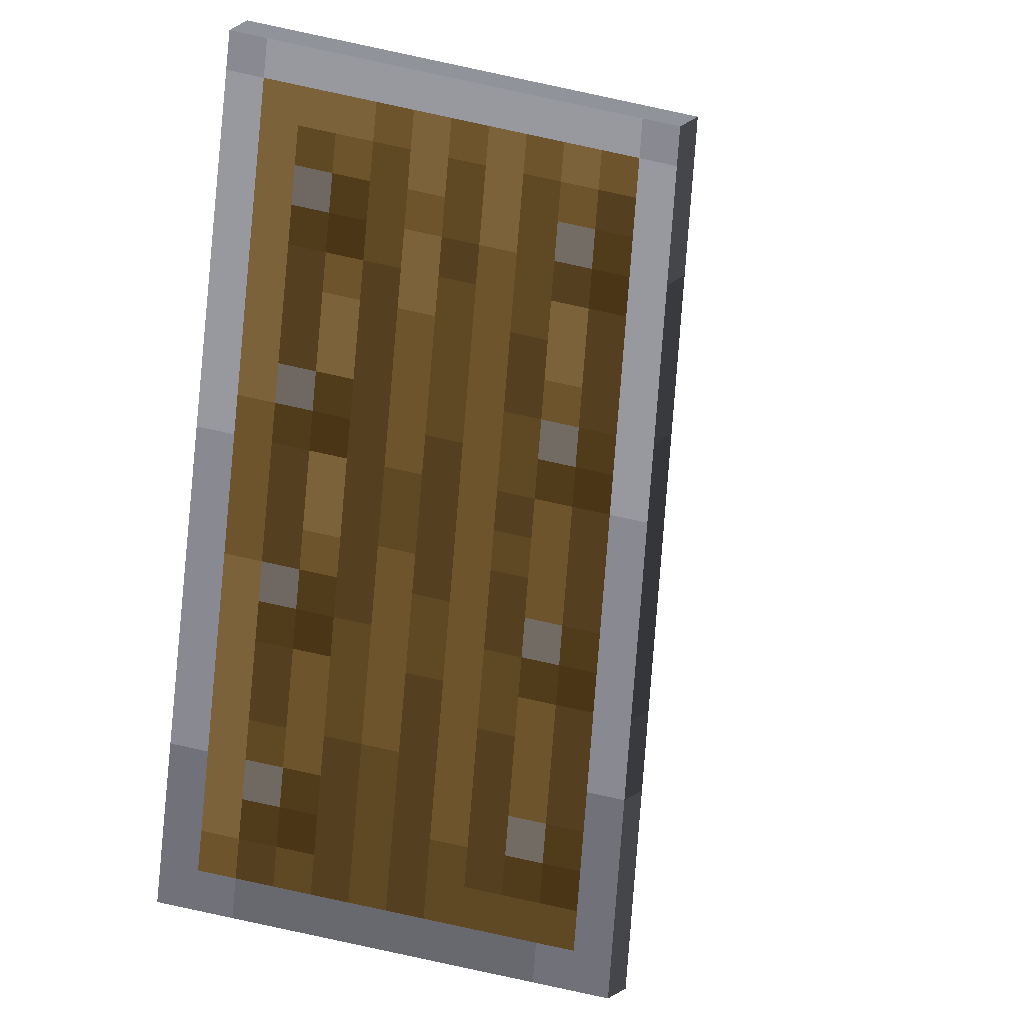 Empty, reserved for a shieldShield in place
 #Any sword (cycles)
A rule can pin that preview to one exact stack with display. Rendering is decided separately from matching, so a display never widens or narrows what the slot accepts. See groups and displays.
Rule priority
Each slot has at most one rule. A variant filter adds precision to its item or tag; it does not create a second independent rule. See variant filters for the version-specific stored format.
Which ruleset a slot's rule comes from is decided before any of this. By default that is the one shared restrictedSlots, or the player's own set under useClientRestriction. With teams and tags enabled, a player matched by a scoreboard team or entity tag uses that ruleset instead, and the shared one becomes a fallback for everyone who matches nothing.